

There is a big difference between an AI demo and an AI product people will actually rely on at work. In workflow-heavy environments, the goal is not to replace people with automation theater. The goal is to reduce manual effort, surface the right information at the right moment, and make decisions faster without making the work feel risky.
That is why human-in-the-loop design matters. It gives teams the speed benefits of OCR and LLMs while keeping review, correction, and edge-case judgment where it belongs.
In document-heavy operations, inputs are rarely clean. You get scanned PDFs, payment documents, inconsistent formatting, partial data, handwritten notes, and ambiguous language. If the product pretends the data is cleaner than it is, the workflow breaks down fast.
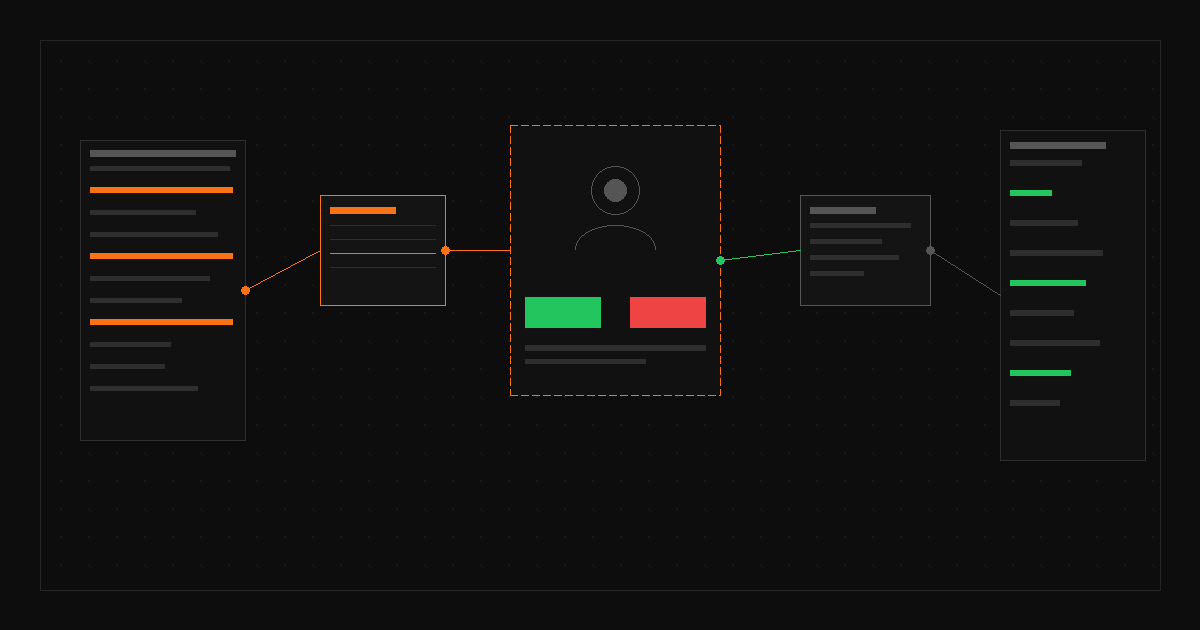
A stronger pattern is to design around uncertainty. Show extracted fields clearly. Highlight confidence gaps. Make it easy to compare source material with suggested output. Let users approve, edit, or reject without friction.
In healthcare revenue operations, trust is not optional. Teams are working with sensitive information, operational deadlines, and downstream financial impact. A wrong suggestion is not just a UX annoyance. It can create rework, delay reimbursement, or weaken confidence in the system.
That is why the best AI workflow products usually do not start with full automation. They start with assistance. The product earns trust first, then expands automation where accuracy and behavior are proven.
At Wisdom, I designed Posting Assistant to help revenue specialists process insurance payment documents more efficiently. The system used OCR and LLM-based parsing to extract relevant information, then surfaced it in a guided interface built for review and action. That workflow reduced manual posting time by about 40% while lowering errors and increasing throughput without adding headcount.
The win was not just the model. The win was the workflow design around it.
If you are building AI features into an existing product, do not start by asking what the model can do in theory. Start by asking where users lose time, where judgment is still required, and where trust can break. That is where the real UX work is.
When AI is introduced with the right constraints, review patterns, and feedback loops, it becomes useful fast. When it is introduced as magic, it becomes support debt.